
クイック回答
Think in signal flow: source to input, DAW to output, monitor path to ears. Most home studio problems come from wrong cable type, wrong input selected, or monitoring routed twice.
Signal Flow Basics
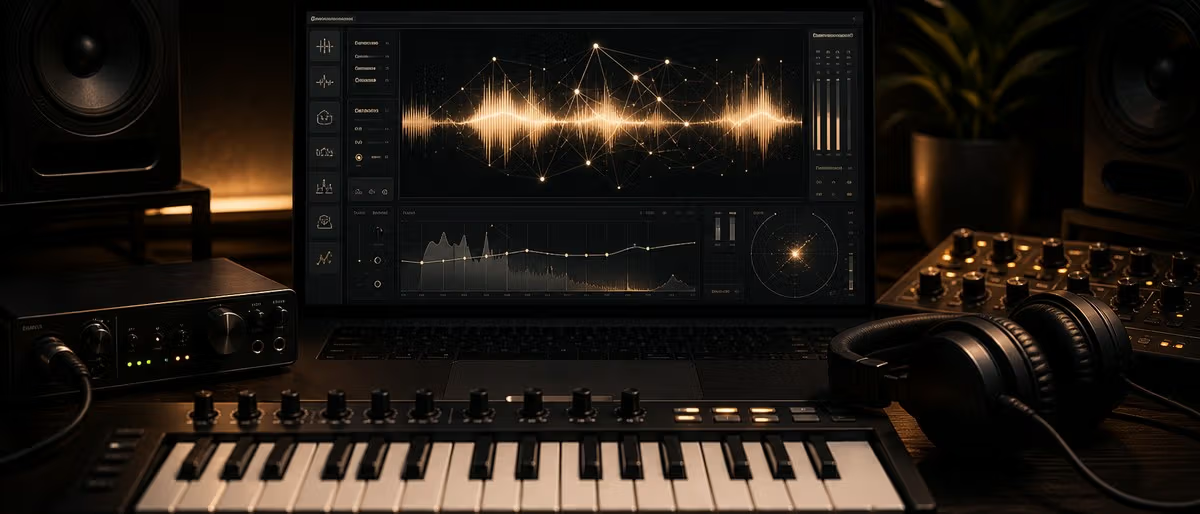
Microphones and instruments go into the interface. The interface connects to the computer. The DAW returns audio to monitors and headphones.
Label cables and keep the path simple before adding extra hardware.
Monitors and Headphones
Studio monitors connect to interface outputs, not directly to the computer headphone jack.
Headphones connect to the interface so recording latency and playback level are controlled in one place.
MIDI and Controllers
MIDI controllers usually connect by USB. Older keyboards may use 5-pin MIDI through the interface. MIDI sends notes and control data, not audio.
Troubleshooting Checklist
- No input signal Check the cable, interface input, phantom power for condensers, input type and the armed track inside the DAW.
- No playback Confirm the interface is selected as the DAW output, monitors are connected to the right outputs, and headphones are on the correct cue mix.
- Hum or buzz Use balanced cables for monitors, separate power supplies from audio cables, and test one device at a time to find the noisy link.
- Double monitoring If vocals sound delayed or phasey, you may be hearing direct monitoring and DAW monitoring at the same time. Turn one path off.
Draw Your Signal Map
Write the path on paper before troubleshooting: microphone to interface input, interface to computer, DAW to interface output, output to monitors or headphones. Most studio setup mistakes become obvious when the path is visible.
Keep the first setup boring. Once recording and playback are reliable, then add external synths, pedals, patch bays or extra controllers.
Photograph the working setup and label important cables. When something breaks later, you can compare against a known-good routing instead of guessing.
Explore more producer guides on Plugg Supply.
Learning path
関連アンサーハブ
よくある質問
- Why do I hear latency?
- Your buffer, monitoring path or plugin chain is adding delay. Use direct monitoring while recording.
- Do monitors need balanced cables?
- Balanced cables are recommended because they reduce noise over longer runs.
- Should MIDI controllers connect to the interface?
- Most modern MIDI controllers connect directly by USB. Use five-pin MIDI through an interface only when the controller or synth requires it.